Written by Jacob Gube
Image editing software has become ubiquitous in this digital age. Whether you’re creating a web interface or simply cropping and enhancing your family photos – you’ll need your favorite image editor to do it.
In this article, you’ll find the top image editing applications currently out in the market.
Last week, readers of Six Revisions were asked what they thought was the best image editing software. Over 150 people responded and here, you’ll find the pick of the litter.
5. Pixelmator
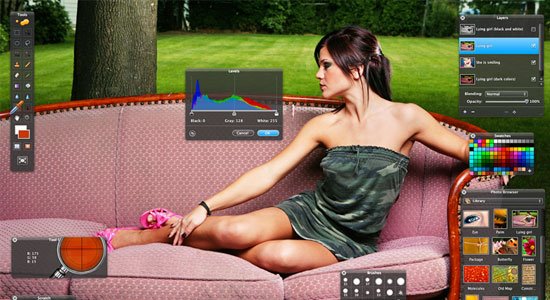
Pixelmator is a fast and powerful image editing software for the Mac operating system. With its intuitive and beautiful Graphical User Interface (GUI), support for layers to organize your document, a large assortment of painting tools, and simple-to-use photo correction tools – Pixelmator is an excellent pick for Mac users who don’t quite need the features (and price tag) of Photoshop.
4. Inkscape
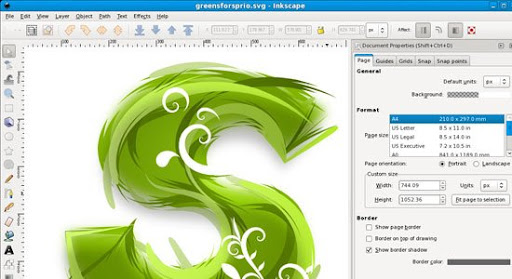
Inkscape is an open source vector graphics editor much like Adobe Illustrator, CorelDraw, and Xara X. Its default file format is web standards compliant Scalable Vector Graphics (SVG) under W3C’s specifications. Want to learn more about what Inkscape has to offer? Check out this list of articles and presentations about Inkscape.
If you’re interested in finding more open source and free alternatives to Photoshop, you may want to read this list of ten open source and free alternatives.
3. Fireworks
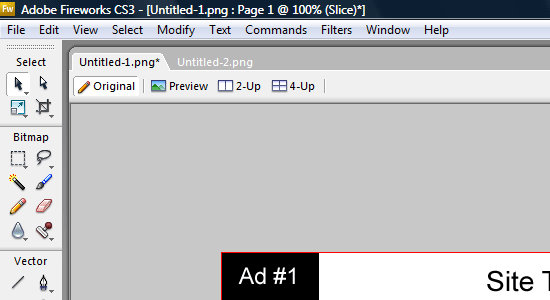
Fireworks is Adobe’s image editing software for the web designers. It excels in several areas over its big brother Photoshop, namely in high-fidelity prototyping of sites and a workspace environment that’s optimized for web designers. It is also a raster and vector hybrid, being able to work with raster-based images and vector-based graphics better and more symbiotically than Photoshop.
Fireworks is a popular tool of choice for many web designers and was once voted as one of the top tools for web designers.
2. GIMP
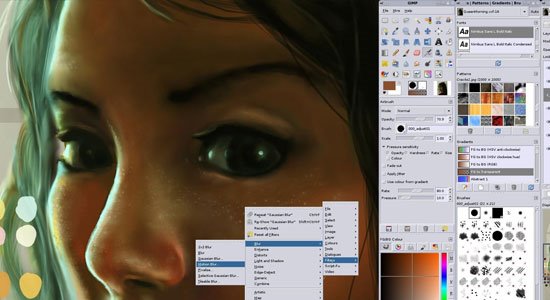
GIMP – which stands for the GNU Image Manipulation Program – is a feature-packed and powerful open source image editor that can be used in all major operating systems (Linux, Mac, and Windows). It has a customizable interface so that you can easily set the view and behavior of GIMP.
It has a huge set of retouching tools that will allow you to perform advanced image retouching and manipulation. The GIMP outputs your work in many common formats like JPG, GIF, PNG, TIFF, and even PSD (Photoshop’s native file format).
Here are a couple of articles you may wish to take a look at if you’re interested in learning about the GIMP:
1. Photoshop
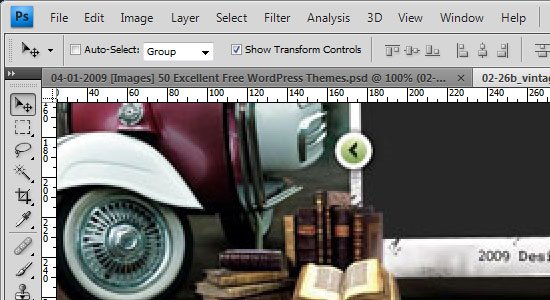
Not surprisingly, Photoshop is the winner by a landslide, garnering over half of all the total votes. Photoshop is what comes to mind when image editing is involved there’s very little that can be said about it that hasn’t been said already.
With an insurmountable amount of features that help you manipulate and enhance photos as well as create web graphics, all while helping you manage your workflow and image editing environment – Photoshop comes in at numero uno as the best image editing software currently in the market.
If you’re interested in learning more about Adobe Photoshop, here are some excellent articles for Photoshop beginners and aficionados:
- 35 Basic Tutorials to Get You Started with Photoshop
- 70 Excellent Photoshop Resources
- 21 Advanced Photoshop Tips, Tricks and Tutorials Roundup
My favorite is MS Paint lol. I kid you not.
i need thies softwere .
Image editing software has become ubiquitous in this digital age. Whether you’re creating a web interface or simply cropping and enhancing your family photos – you’ll need your favorite image editor to do it.
In this article, you’ll find the top image editing applications currently out in the market.
i need thies softwere because i want make video clip and show some one she was very importent for me so pleas alow to kme that take thies softwere . thankyou.
agree no 1 is photoshop